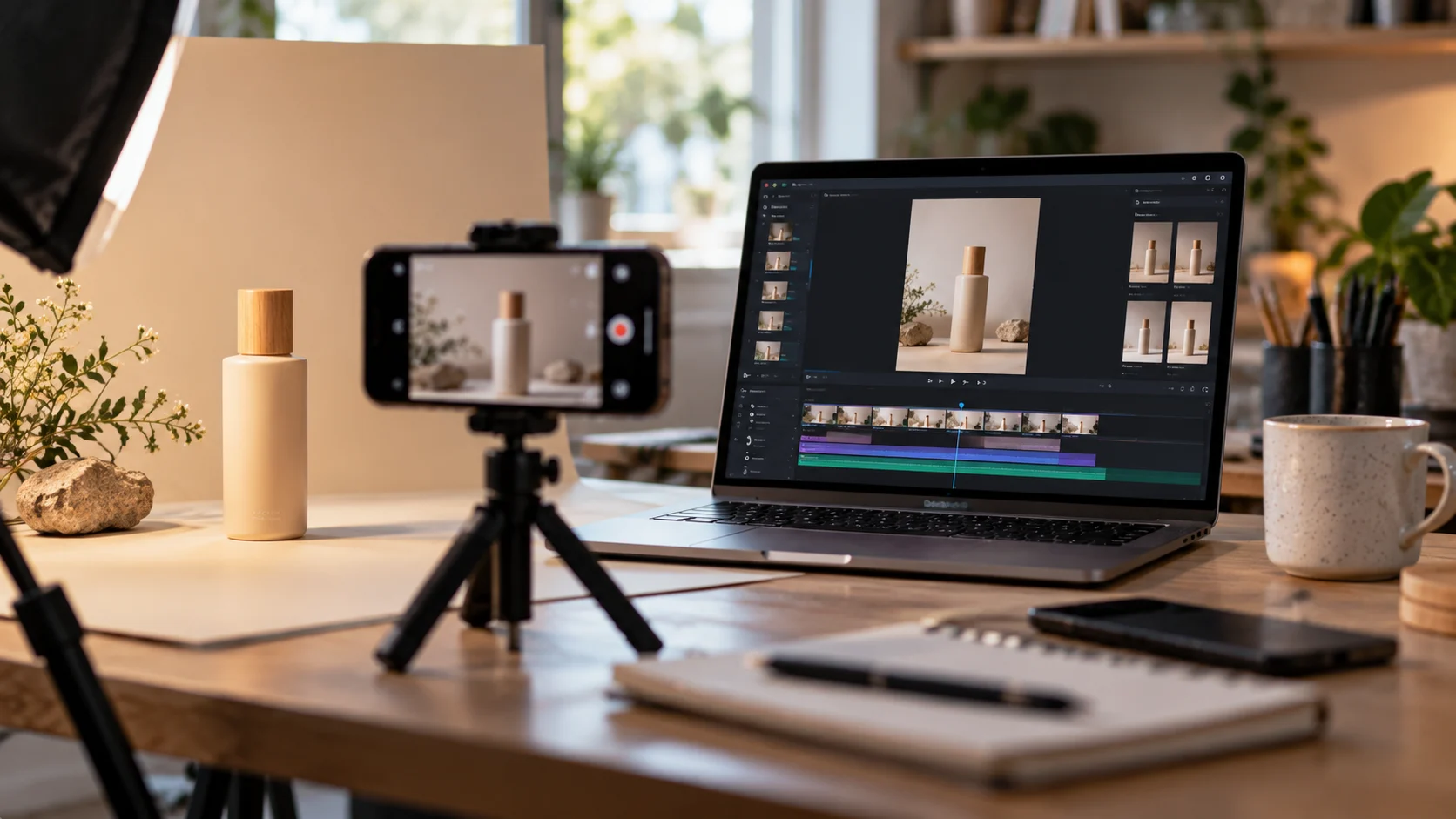
You filmed your product on your phone. The lighting is uneven, there is a mug in the background, it is landscape when Instagram wants vertical, and the last four seconds are you reaching for the phone.
The obvious fix is editing software, which means downloading something, learning a timeline, and losing an evening to a thirty second video.
There is a simpler route now. Editing has moved from manipulating a timeline to describing what you want changed, and here is how that works for product content.
What Editing Actually Means for Product Video
Most small sellers need six things, and none of them require professional software.
- Trimming, cutting the dead space at the start and end
- Removing something, whether a background object or a reflection
- Changing the background entirely for a cleaner look
- Reformatting into vertical, square, and widescreen versions
- Improving quality, since phone footage often looks soft on a large screen
- Adding captions, because most viewing happens with sound off
That list is the whole job for a product clip. Everything beyond it suits films rather than shop posts.
Why Traditional Editors Are the Wrong Tool
Timeline editors were built for long-form work, assuming multiple tracks, keyframes, and footage you shot deliberately.
For a ten second product clip that is enormous overhead. You spend longer learning the interface than the video will exist on your feed, and the next product means doing it again.
The other problem is that half the time the footage you need does not exist. No amount of editing creates a shot you never filmed.
Generating What You Do Not Have
This is where the approach differs from traditional editing. ImagineArt works as an AI video generator that turns a product photograph into a moving clip, so the shot you never filmed can be made from an image you already own.
- Image to video, animating a still of your actual product
- Camera direction, choosing a slow push-in, a pan, or a rotation
- Motion control, specifying what moves and what stays fixed
- Multiple models, so catalogue and lifestyle clips can use different engines
For a handmade seller with photographs of forty items and footage of none, ImagineArt changes what is possible in an afternoon.
Editing Without a Timeline
Once you have the clip, filmed or generated, the editing happens through instructions rather than tools. ImagineArt includes an AI video editor in the same workspace, so nothing is ever exported to a second application.
- Trimming and cutting without scrubbing through frames manually
- Object removal, deleting the mug, the cable, or the cluttered shelf
- Background replacement, putting the product somewhere cleaner
- Transitions between clips when you stitch several together
- Upscaling, so phone footage holds up at full screen
- Export in vertical, square, and widescreen in one pass
The practical difference is that you describe the change rather than perform it. In ImagineArt, removing an object takes a sentence instead of a masking tool you have never used.
The Rest of the ImagineArt Suite
Product video rarely stands alone, which is why the ImagineArt editor sitting inside a wider creative suite matters more than the editor alone.
- Image generation across forty models for backgrounds and graphics
- Image editing including inpainting, relight, and background removal
- 4K upscaling for photographs as well as video
- Audio Studio for voiceover and sound on narrated clips
- Ad Studio, generating campaign variants from one product concept
- Fashion Studio, built specifically for apparel and on-model imagery
- Brand kits that hold your colours so every post looks related
- iOS and Android apps, since most sellers work from a phone
Relight is the one small sellers underuse. Most unusable product footage failed on lighting rather than framing, and ImagineArt fixes that without a reshoot.
A Workflow for One Product
Start to finish in ImagineArt, this is fifteen minutes.
- Photograph the product once, in daylight, against something plain
- Clean the image, removing clutter and fixing the lighting
- Animate it into a short clip with one clear camera movement
- Trim, remove anything distracting, and upscale
- Export every ratio your channels need in one pass
- Add captions before posting
Once your product video is ready, the next step is presenting it clearly to potential buyers. For small businesses sharing new arrivals or returning products, our guide to writing an Instagram restock announcement explains how to combine accurate product information with a clear social media caption and a useful call to action.
Repeat for the next product. The second one takes five minutes because you already know the settings.
What It Will Not Do
Being clear saves frustration.
- Clips cap around ten seconds, so longer videos are stitched together
- It is not a multi-track timeline editor for long-form work
- No explicit content, which the platform prohibits outright
- Never generate features your product does not actually have
- First attempts are often wrong, so expect to discard a few
That fourth point matters commercially. Showing a buyer something the product does not do produces returns and complaints, regardless of how good the clip looks.
Conclusion
Editing product video no longer means learning software. It means describing what you want changed and letting the tool handle execution, which is why ImagineArt suits small sellers who have photographs but no footage and no editing experience. The ImagineArt generator fills the gaps in what you filmed, the editor fixes what you did film, and the wider ImagineArt suite covers the images, audio, and ad variants around it. Free daily credits make it testable, so start with your best-selling product and see how far one photograph goes.
Frequently Asked Questions
Can you edit video without downloading any software?
Yes. Browser tools like ImagineArt handle trimming, object removal, background changes, upscaling, and format exports through instructions rather than a timeline, with nothing to install.
Do you need footage to make a product video?
No. A single clear photograph is enough, since image to video generates the motion. Filmed footage still helps for anything showing how a product is used.
Is AI video good enough for a shop?
For short product clips, ads, and social posts, yes. For anything demonstrating a real process or featuring you personally, film it, since buyers expect those to be genuine.